How to Use the Golden Spiral (Fibonacci Spiral) in Photography
Learn what the golden spiral is, how it relates to the Fibonacci sequence and the golden ratio, and five practical ways to use it to compose better photos.

PhiFrame is a composition camera for iPhone. The rule of thirds, golden ratio, Fibonacci spiral and more, drawn live on your viewfinder so every shot is framed with intention.
Download on the App StoreOne-time purchase · No subscription · No account
Composition guides
Switch between timeless overlays in an instant. Guides align pixel-for-pixel with the captured photo, so the lines you see are exactly where they land.

Split the frame into a 3×3 grid and place your subject or horizon on the lines or where they cross. The quickest way to move a subject off-centre and give a photo room to breathe.
Like the rule of thirds, but the lines sit at the golden ratio (1 : 1.618), closer to the centre. The result is a subtler, more natural balance that painters and architects have used for centuries.
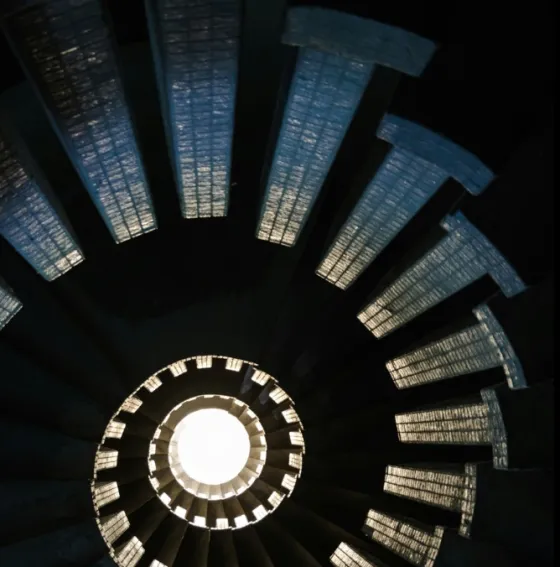
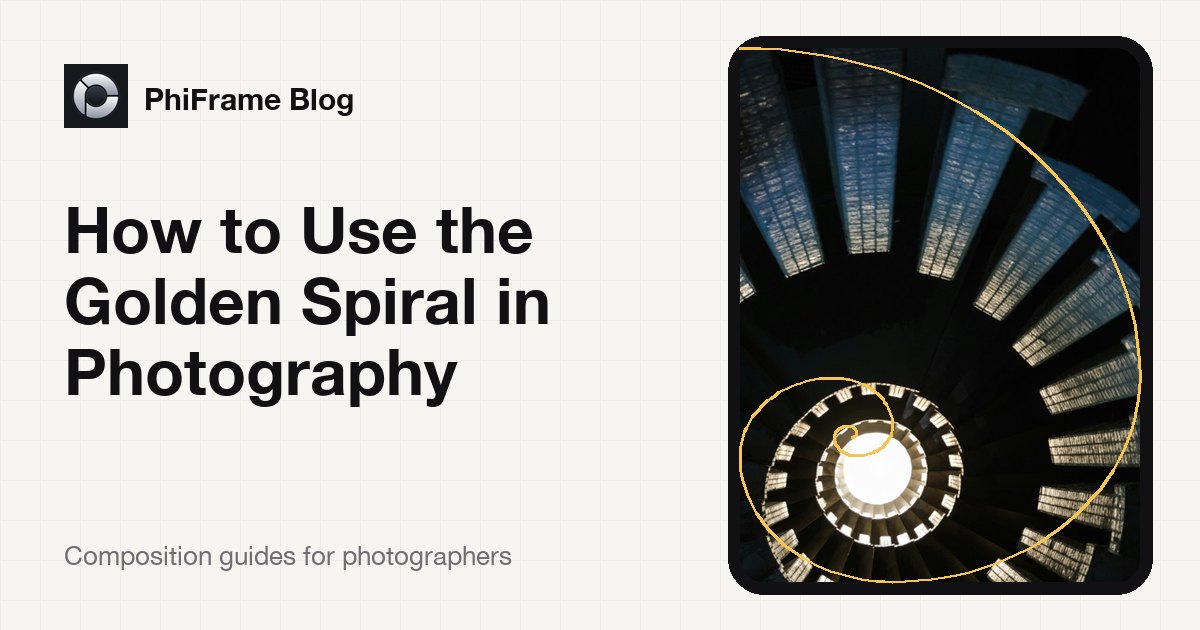
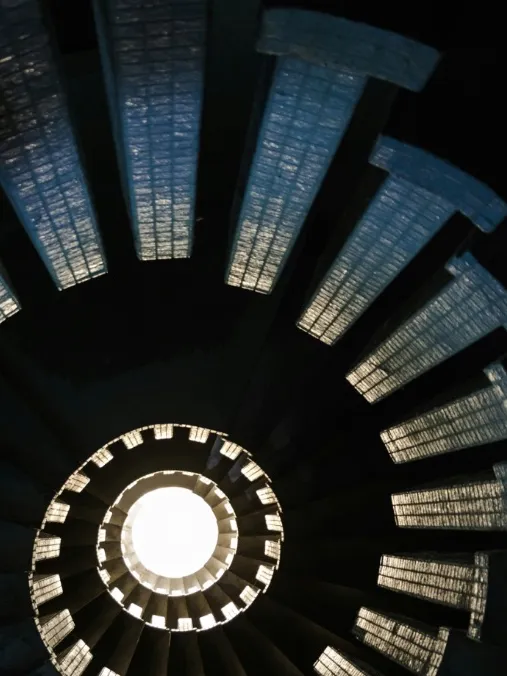
The golden spiral leads the eye in a sweeping curve to a single point of focus. Line up a winding road, a staircase or a portrait’s eye with the tight end of the spiral.
A diagonal with two perpendicular lines splits the frame into triangles. Ideal for scenes with strong diagonals, such as rooftops, shorelines and leading lines, giving a dynamic sense of motion.
Baroque and sinister diagonals at 45° from each corner. Align lines, limbs and edges with them to add energy and depth to architecture, sport and street photography.
Drag the vanishing point anywhere on the viewfinder and let converging lines point straight to it. Perfect for roads, corridors, bridges and one-point perspective shots.
Built for photographers
Whether you are learning composition or a professional who wants a clean, precise viewfinder, PhiFrame stays out of the way until you need it.
A precision level that taps back the moment your horizon is perfectly straight.
The camera controls you expect, with the guides staying out of your way.
Shoot in the aspect ratio that suits the scene, with every guide on hand.
Full-quality photos, including Apple ProRAW on supported iPhones.
Keep photos clean, or burn the guide into the image as a reference.
What you see is what you shoot. Guides align exactly to the captured photo.
Pick a guide colour, opacity and line thickness that suits the scene.
Experimental live framing help that runs entirely on your iPhone.
Gallery
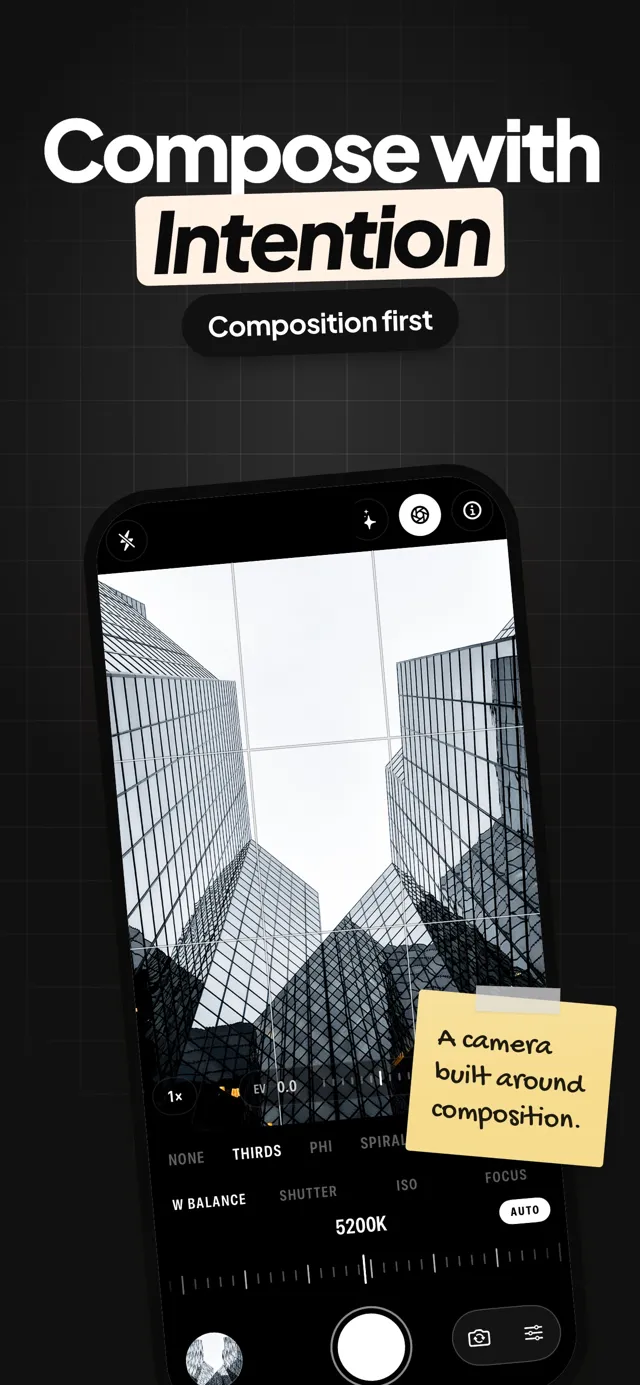
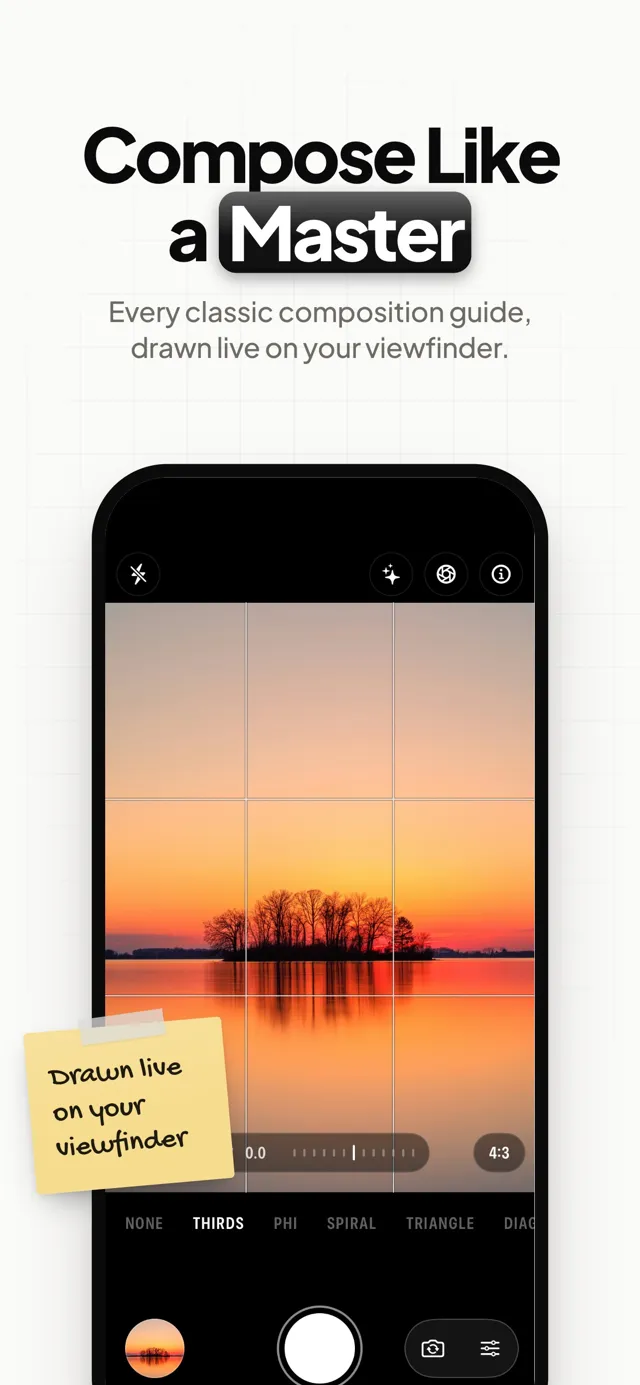
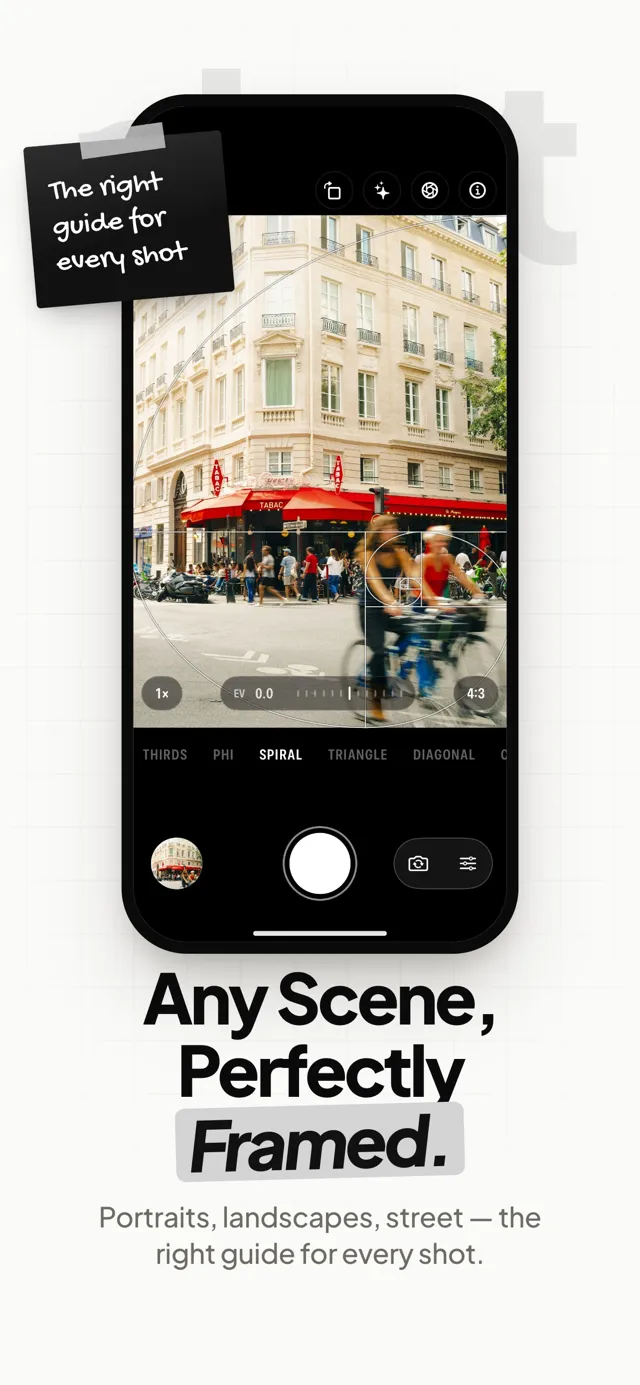
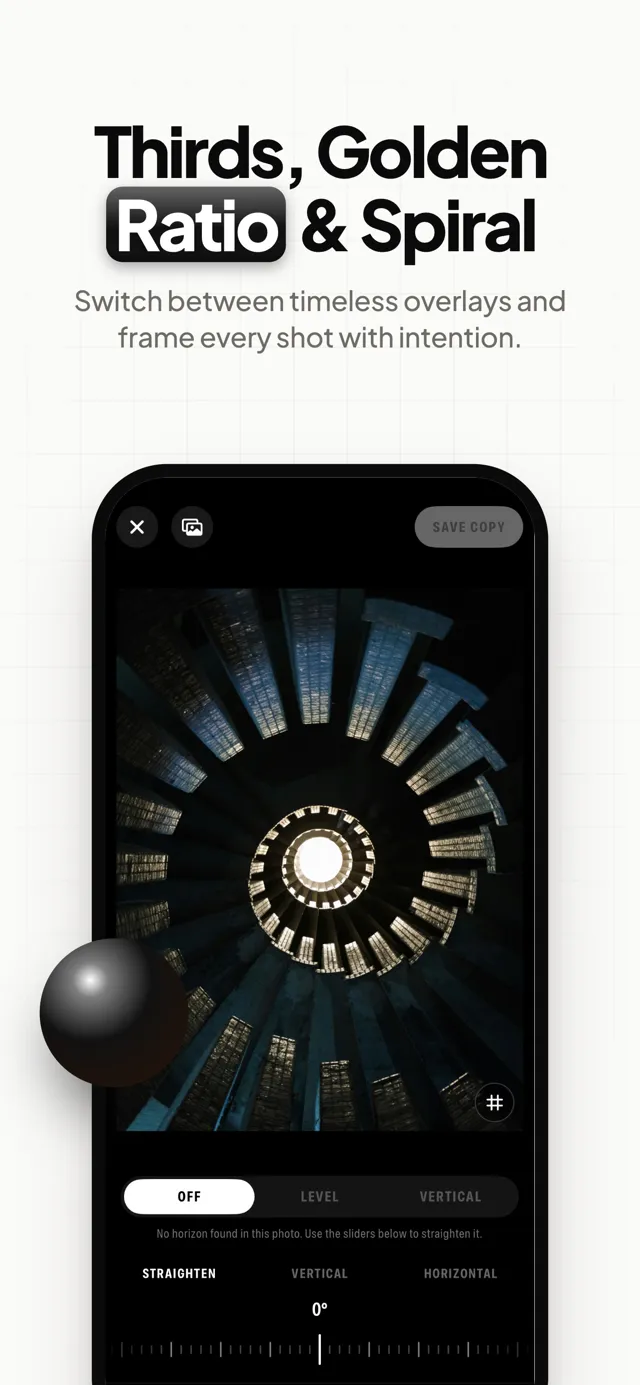
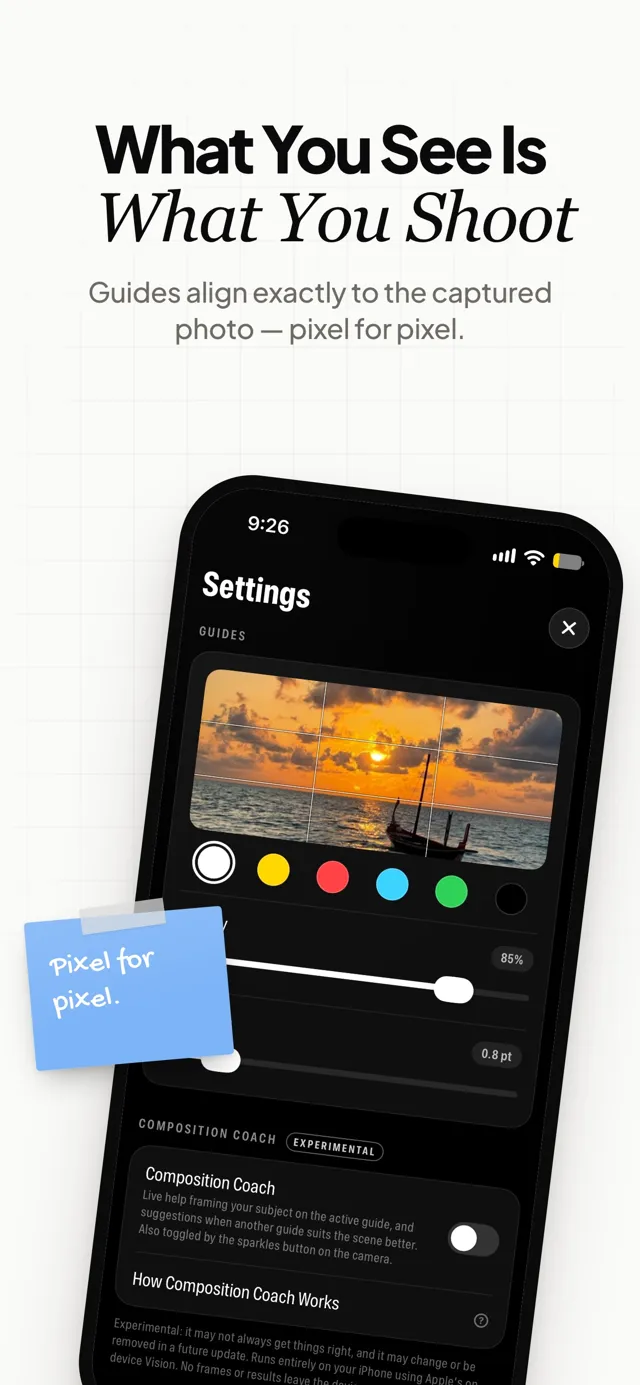
PhiFrame is a composition camera app for iPhone. It draws classic composition guides (rule of thirds, golden ratio phi grid, Fibonacci spiral, golden triangles, diagonals and a draggable vanishing point) live on your viewfinder, so you can frame every shot with intention.
PhiFrame is a one-time purchase on the App Store. There is no subscription and no account to create.
Both divide the frame with two vertical and two horizontal lines. The rule of thirds places them at exactly one third and two thirds. The golden ratio (phi grid) places them at roughly 38% and 62% (a ratio of 1 : 1.618), closer to the centre, which gives a calmer, more classical balance.
Choose the spiral guide and place your main point of interest, such as an eye, a doorway or the end of a staircase, at the tight end of the spiral. Then let lines and curves in the scene follow the sweep of the spiral.
It is your choice. Guides can stay as a visual overlay only, so your photos are clean, or be burned into the photo when you want to keep the composition reference.
Yes. PhiFrame captures full-quality photos, including Apple ProRAW (DNG) on iPhones that support it.
Yes. Burn the composition guide into your photo and you have a reference image with the rule of thirds, golden ratio or spiral already laid out for sketching, painting or design work.
The Composition Coach is an experimental feature that gives live help framing your subject on the active guide, and suggests when another guide suits the scene better. It runs entirely on your iPhone.
PhiFrame requires iOS 26.5 or later.
Learn composition
Learn what the golden spiral is, how it relates to the Fibonacci sequence and the golden ratio, and five practical ways to use it to compose better photos.
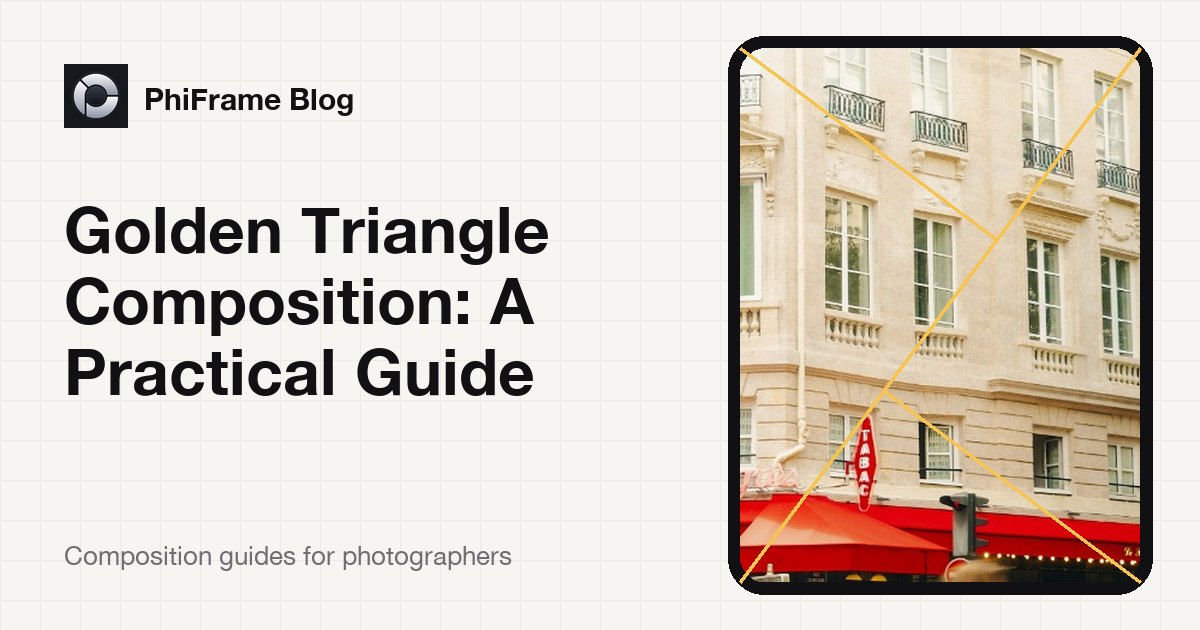
How the golden triangle composition rule works, why diagonals feel dynamic, and how to use it for landscape, street, architecture and portraits.
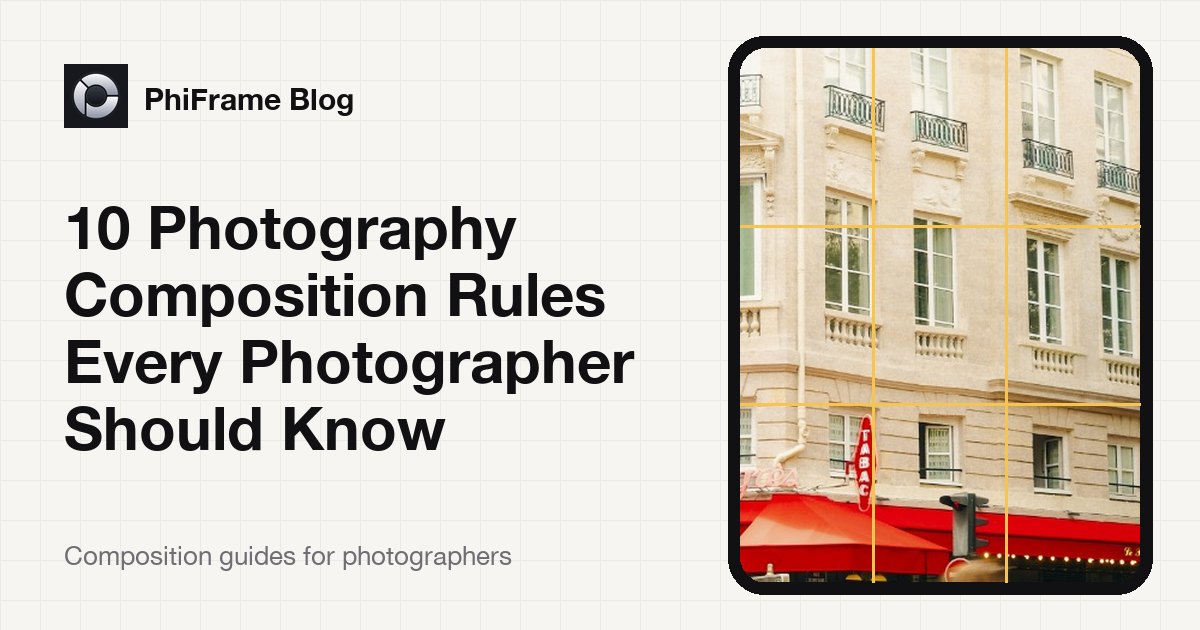
The classic photography composition rules explained: rule of thirds, golden ratio, Fibonacci spiral, golden triangles, leading lines and more.

One-time purchase · Requires iOS 26.5 or later